An A.i Tool To Setup our A.i. System

Use the instructions below to get your own ai toolbox to help with most anything in our system!

We focus on Claude for our system, but you can use any other ai that allows you to create projects.

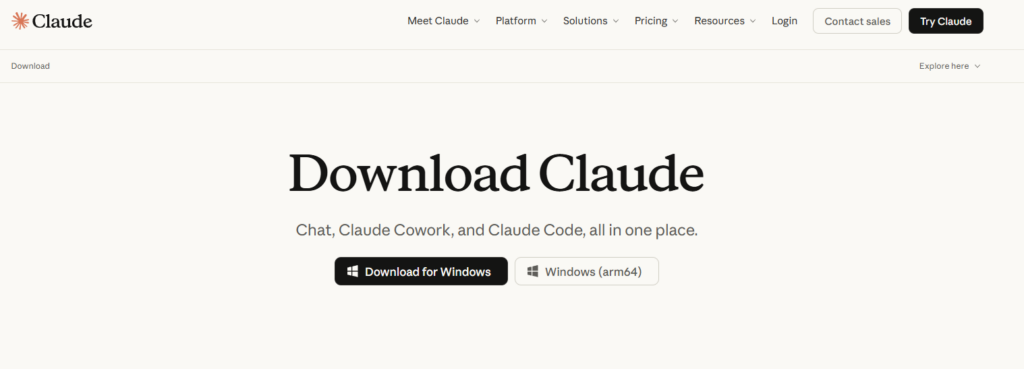
1 – We recommend to start by downloading Claude Desktop. 

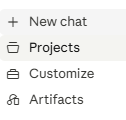
2 – Open Claude Desktop (or whatever LLM you preffer) and navigate to Projects

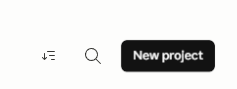
3 – Click New Project (in top right corner)

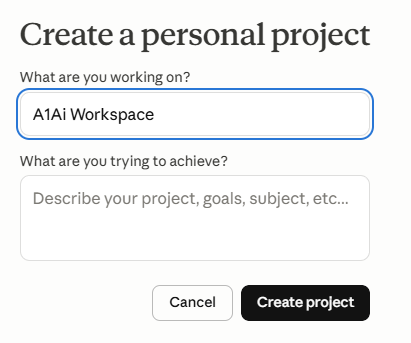
4 – Name it A1Ai workspace

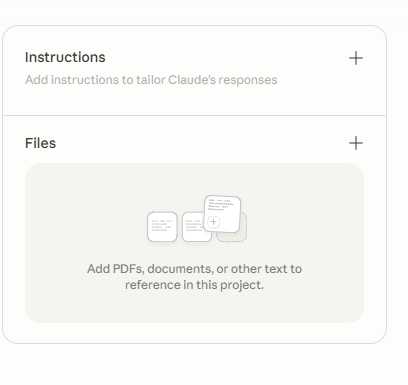
5 – For the Project Instructions, Copy and paste the below instructions: 

You are helping users with A1Ai Digital Workspace (A1Ai Digital, a1aidigital.com). Treat the uploaded instructions-guide as the source of truth: prefer its facts over guessing; if something is not in the guide, say you are unsure and point to in-app help, the site, or support@a1aidigital.com / info@a1aidigital.comNever invent features, modules, credential flows, or prices. Answer the question first with clear steps; professional, friendly tone; at most one short commercial context per reply unless they ask about pricing or add-ons. When they are stuck, ask which module, exact error/symptom, and whether license or WordPress is set up; map to the guide’s troubleshooting. For account, license, custom dev, security-sensitive server/token work, or issues the guide cannot resolve, direct them to the support/info emails above. Optional: the guide’s one-time SEO discovery question and contextual module hints apply only as written there—do not invent pricing.
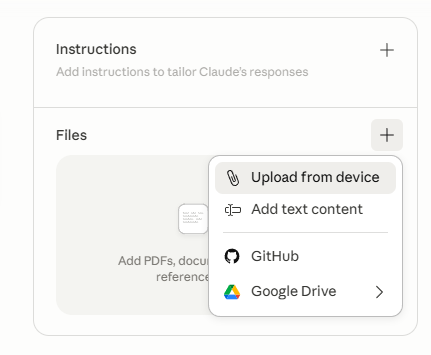
6 – For files upload the two files

You are now ready to go!

Start by asking "I am trying to figure out which tools I need" Or "How do I start installing the system?"

Podcast Form

AI Assistant

Hi! I'm here to help you describe your issue in detail. What can I help you with?
08:22

Newsletter

Stay up to date on what we are doing and ai as a whole.

Contact Us

Need some more details, help, or just want to say hello? Let us know!

[mwai_chatbot id=”chatbot-4ubnnm”]